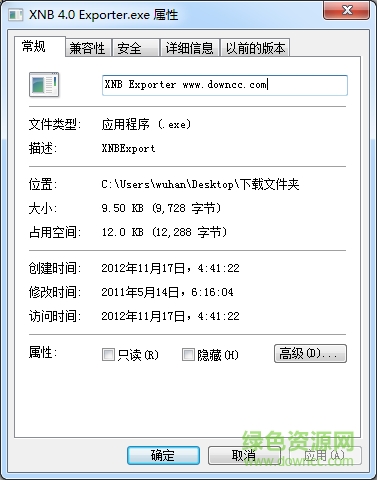
xnb exporter是一款XNB转PNG插件,有了它以后,用户就可以非常便捷的将xnb的文件转换为PNG图片格式,非常的方便实用,欢迎有需要的朋友到下载使用!
xNb出口商是简陋的程序转换。xNb PNG图像文件。这不是幻想,但做的工作。请注意,您不能转换。PNG图像恢复。这一计划xNb文件。理论上这些出口商应与已用XNA Game Studio 3、3.1出口任何xNb图像,或4如果您使用正确的出口。
1.因为你是从xnb文件版本打开正确的xnb出口商。
2.类型的名称。没有xNb文件到文本字段。xNb延伸并按“去吧!”。例如转换”的形象。xNb”文件,你可以键入“形象”。
3.或者把所有可用的。在同一个文件夹中的可执行文件直接离开xNb,文本字段空并按“去吧!”。
4.指定的文件。xNb现在将被转化为在同一文件夹中的原始文件具有相同的名称保存PNG图像。
5.试图将一个XMB图像是版本错误会导致程序崩溃。
1. Open the correct XNB Exporter for version of XNB file you are converting from.
2. Type the name of the .XNB file into the text field without the .XNB extension and press "Go for it!". For example to convert "image.xnb" file, you would type in "image".
2b. Alternatively to convert all available .XNB files in the same folder where the executable is, simply leave the text field empty and press "Go for it!".
3. The specified .XNB files will now be converted to .PNG images and saved in the same folder where the original files are with the same names.
Attempting to convert an XMB image that is the wrong version will lead to the program crashing.
iSpring Free(PPT转Flash工具)下载v6.2.0 汉化版

10.96M/ 下载

2.09M/ 下载
风云图片格式转换器软件下载v2021.113.1654.36 官方版

27.00M/ 下载

2.04M/ 下载
ShukuSen(批量缩小图片软件)下载v1.50 汉化绿色版

2.54M/ 下载
DDS Converter2(图片转换到DDS工具)下载v2.1 绿色汉化版

943KB/ 下载
pdf fly(pdf全能转换器)下载v8.0 32/64位

5.62M/ 下载

39.62M/ 下载

1.21M/ 下载

717KB/ 下载